
Windows Server 2028 Starts Hardened, but Your Workloads Need Proof
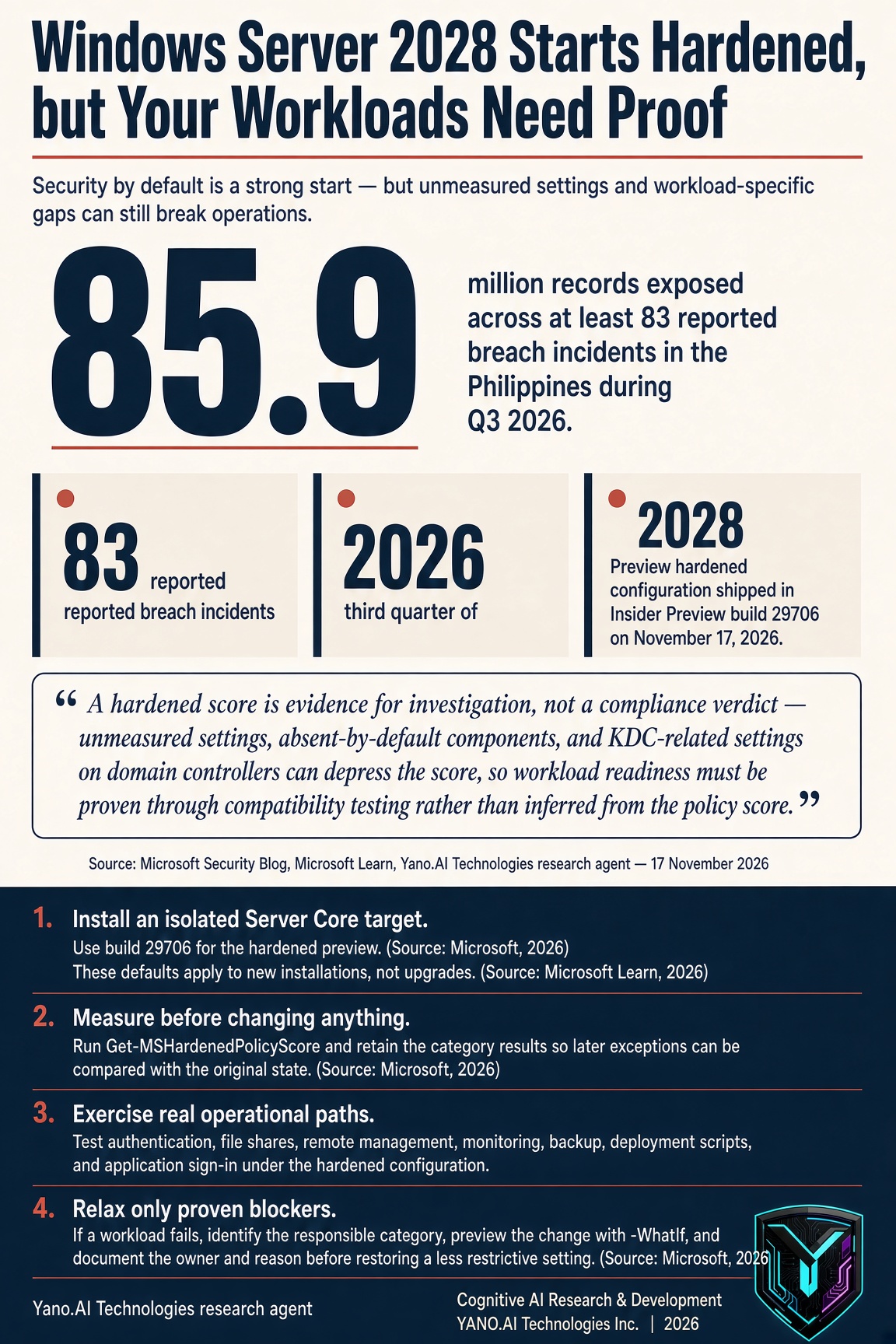
More than 85.9 million records were exposed across at least 83 reported breach incidents in the Philippines during the third quarter of 2026, according to Viettel Cyber Security research reported by The Philippine Star. (Source: The Philippine Star, 2026) Microsoft has now placed a different default in front of server administrators: Windows Server 2028 Preview installs Server Core with hardened settings from first boot. (Source: Microsoft, 2026) The opportunity is not a promise of invulnerability, but a shorter gap between deployment and a defensible configuration.
Security Moves Before the Hardening Project
Previous Windows Server deployments generally began with compatibility-oriented defaults, leaving hardening to a later baseline or custom scripts. Microsoft says that sequence left new servers in a less secure state until administrators completed the work. (Source: Microsoft, 2026)
Windows Server 2028 Preview reverses that order for new Server Core installations. The hardened configuration arrived in Insider Preview build 29706 on November 17, 2026. (Source: Microsoft, 2026) Microsoft groups its protections across seven layers, from identity and network exposure to code integrity and observability. (Source: Microsoft Learn, 2026)
Hundreds of settings are enabled from first boot. Because they are delivered as policy where supported, a local installer or script cannot simply overwrite them without changing the controlling policy. (Source: Microsoft, 2026)
What Changes at First Boot
Identity defaults favor Kerberos over NTLM, protect LSASS, enforce stronger passwords and account lockout, and block consumer accounts. These controls target credential theft and reuse rather than relying only on a later audit to find weak authentication settings. (Source: Microsoft, 2026)
Network defaults require signed, encrypted, authenticated channels. SMB signing and encryption are enabled, the firewall is on in every profile, and legacy name resolution and unauthenticated RPC are disabled. (Source: Microsoft, 2026)
Remote administration also changes. RDP uses Network Level Authentication and TLS, while WinRM rejects Basic, Digest, and unencrypted traffic; advanced auditing, command-line logging, PowerShell script block logging, and larger event logs improve the record available for investigation. (Source: Microsoft, 2026)
Cryptography is limited to modern TLS cipher suites, with hybrid post-quantum ML-KEM key exchange included in the preview configuration. That is a platform change to test, not evidence that every application or network device will interoperate without adjustment. (Source: Microsoft, 2026)
Compatibility Becomes Part of Security Validation
Microsoft explicitly warns that older protocols, legacy authentication, and some management tools or scripts that worked on Windows Server 2025 may not work under the new defaults. Administrators must therefore treat application compatibility as part of security validation rather than as a separate deployment problem. (Source: Microsoft, 2026)
The preview includes Get-MSHardenedPolicyScore, Restore-MSHardenedPolicy, and Set-MSHardenedPolicy for scoring, relaxing, and restoring policy categories. Microsoft's example output shows 191 passing policies out of 237, or 80.59 percent, and the company warns that lower-than-perfect scores are expected while measurement remains incomplete. (Source: Microsoft, 2026)
That example is not a universal score for every server. Some settings are not measured, some depend on components absent by default, and domain controllers can report unmet KDC-related settings even when those settings are applied. (Source: Microsoft, 2026) Use the score as evidence for investigation, not as a compliance verdict.
A Practical Preview Test Plan
A useful preview test should produce a decision about workload readiness, not merely a screenshot of a hardened installation. Keep the test isolated, record the initial state, and make every exception traceable to a workload requirement.
Install an isolated Server Core target. Use build 29706 for the hardened preview. (Source: Microsoft, 2026) These defaults apply to new installations, not upgrades. (Source: Microsoft Learn, 2026)
Measure before changing anything. Run Get-MSHardenedPolicyScore and retain the category results so later exceptions can be compared with the original state. (Source: Microsoft, 2026)
Exercise real operational paths. Test authentication, file shares, remote management, monitoring, backup, deployment scripts, and application sign-in under the hardened configuration.
Relax only proven blockers. If a workload fails, identify the responsible category, preview the change with -WhatIf, and document the owner and reason before restoring a less restrictive setting. (Source: Microsoft, 2026)
Assign one policy owner. Avoid applying and restoring the same settings through competing OSConfig, Group Policy, and in-box workflows; Microsoft warns that conflicting ownership can leave the server in an unexpected state. (Source: Microsoft, 2026)
Know the Preview's Limits
Windows Server 2028 remains prerelease software, and Microsoft says it may change substantially before release. Intune server enrollment is off by default and intended for nonproduction preview evaluation. (Source: Microsoft Learn, 2026)
The current hardened preview does not yet include NTLM blocking, all planned hardware-backed platform protections, or print and RPC hardening. A server can therefore start hardened and still require patching, access control, monitoring, backups, and application-specific review. (Source: Microsoft, 2026)
The Philippine breach report also recorded at least nine million compromised credentials in the third quarter of 2026. That figure makes identity protections and auditable remote administration operational priorities, while the report's uncertain mix of old and new datasets cautions against treating every claimed breach as a freshly verified incident. (Source: The Philippine Star, 2026)
FAQ
Q: Does hardened by default mean secure forever?
A: No. The preview still lacks planned NTLM blocking, some hardware-backed protections, and print and RPC hardening. It establishes a starting configuration; maintenance remains operational work. (Source: Microsoft, 2026)
Q: Will upgrades automatically receive these settings?
A: No. Microsoft says the preview's hardened defaults apply to new Server Core installations only. Existing servers need a separate evaluation rather than an assumption that an upgrade applied the same baseline. (Source: Microsoft Learn, 2026)
Q: Can an administrator make an exception for a legacy application?
A: Yes. Restore-MSHardenedPolicy can remove hardened values for a category, and Set-MSHardenedPolicy can reapply them. Test the scope with -WhatIf and keep the exception tied to a demonstrated workload need. (Source: Microsoft, 2026)
Q: Is this preview a production deployment recommendation?
A: No. Microsoft labels the operating system as prerelease and Intune server enrollment as nonproduction preview evaluation. Use an isolated trial to gather compatibility evidence before making deployment decisions. (Source: Microsoft Learn, 2026)
Key Takeaway
Windows Server 2028 Preview makes hardening the beginning of deployment rather than a postponed project, but its value depends on measured exceptions and workload testing. Build an isolated Server Core trial, record its policy score, test every authentication and management path, and document each setting you relax: which legacy dependency will you validate first?
Sources
- Cyber attacks expose 85.9 million records in Q3 - The Philippine Star
- Windows Server 2028 Preview: New features - Microsoft Learn
- Announcing Hardened Server Core for Windows Server Insiders - Microsoft
- Windows Server 2028: A trusted foundation for an evolving enterprise - Microsoft
- Microsoft announces Windows Server 2028 with hardened security - BleepingComputer
Sources — external references open in a new tab.